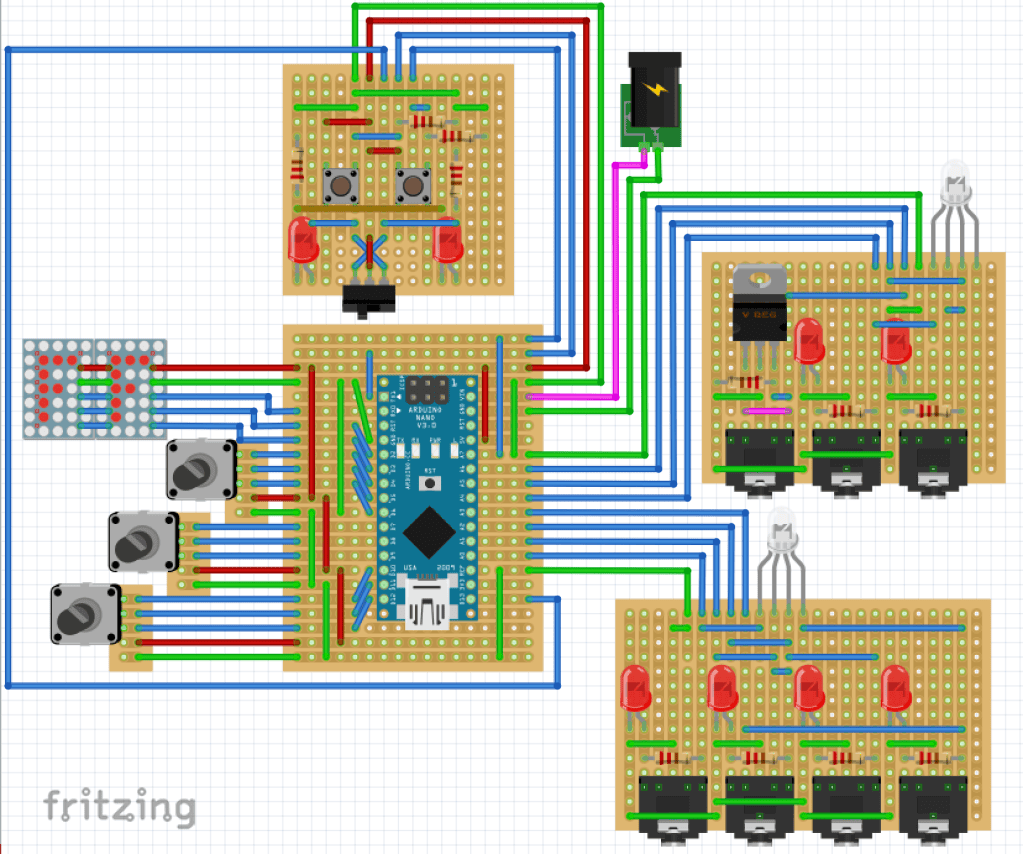
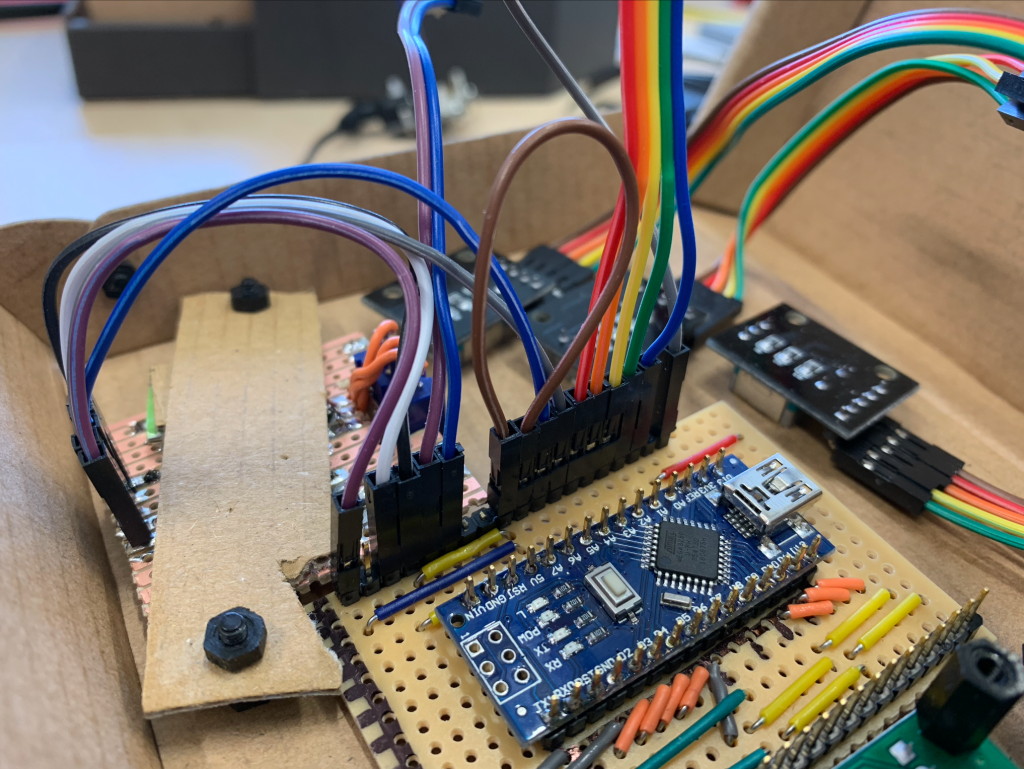
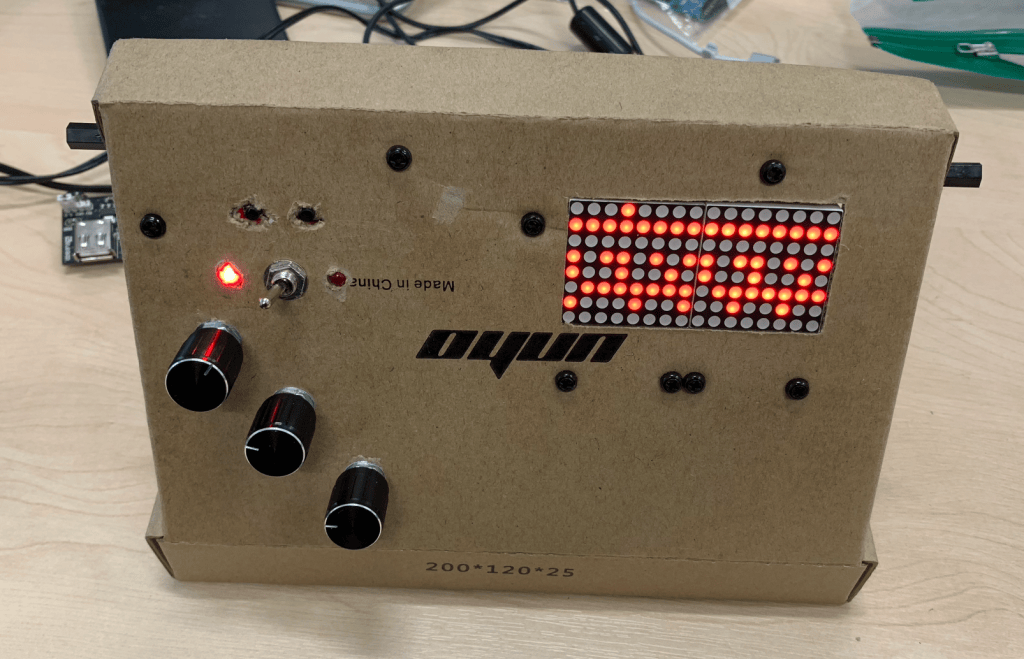
After a couple of weeks learning the Arduino IDE and tinkering with I/O devices such as LEDs and rotary encoders, I had a basic prototype built. Rather than documenting this entire process, I will instead focus on some points of particular interest.
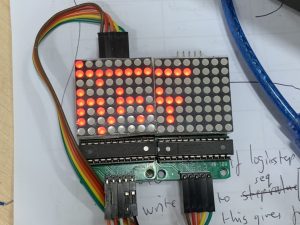
The Display
Visual feedback is very important on a device like this, and I needed something which both displayed all the relevant information, but which was also cheap and simple to program. I settled on this pair of 8×8 LED matrices, which come with their own control chips and have an Arduino library written to allow for simple programming. My implementation uses the top row to show the tempo, the second row to show the number of steps, the third and bottom rows to show the current step, and the remaining rows to display the four lanes of the sequence. This is far clearer in the video footage below.
The Input Controls
While simple buttons would be fine for some functions, if every parameter in the device was controlled by these then I would need over 30 buttons, which would be both confusing and space consuming. It would also require more I/O pins than my standard Arduino will allow. I decided to keep buttons for a couple of functions (start/stop for example), but offloaded most input control to rotary encoders. These allow for both incremental increase and decrease in values, and also work as push buttons. Code-wise, these encoders were complicated to get right, and also hog a lot of computational power on the rather limited Arduino, so I will aim to replace them with a better solution in future revisions of the device.
Up until this point, the circuit had been entirely constructed on a breadboard, but the next stage was to move it into a self-contained unit. As PCB design and printing is currently beyond my level of experience, I decided to use soldered stripboard, and designed my circuit using the freeware Fritzing software package. As miniaturisation was now a point to consider, I moved from the full-sized Arduino UNO to the smaller but just as powerful Arduino NANO.