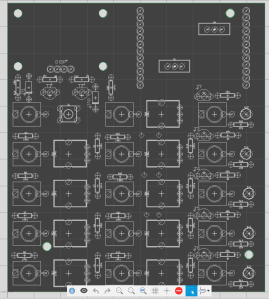
I have never designed a circuit board before, so this was quite a tricky undertaking! I did some research online, and the general consensus is that the most important step in board design is component layout. Ensuring that components are arranged in logical groups with signal flow taken into account will minimise the length of traces needed, and reduce the number of times they need to cross over. On this particular board, the placement of most parts was dictated by the faceplate layout, so I started off by placing the jacks, pots and other interface elements first, and then added any related circuitry that would fit on the board as close as possible to these. The two sets of header pins at the top right will be used to connect the front and back boards, and the large space at the top-left is where the display will sit. The four large holes in this area will allow for the display’s mounting holes, and the others are to secure the two boards together.
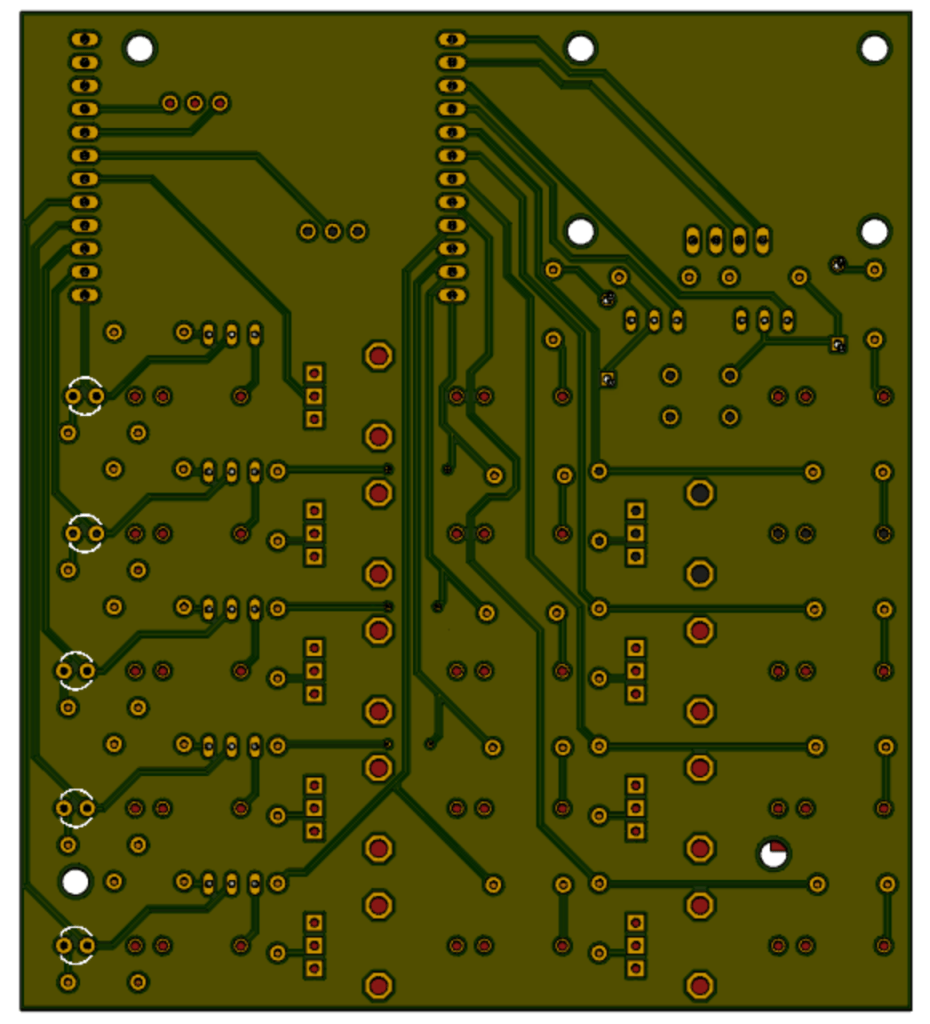
As I had decided to go with a professional manufacturing plant, I had the option to use a proper two-layer board with through-hole plating and vias. It therefore made sense (at least in my mind!) to do all power and ground connections on one side of the board, and all signal routing on the other. I rearranged the order of the pins at the top to try and make routing as simple as possible, and ended up completing this first board using only three vias (connections from the top side of the board to the bottom). Once all traces had been run, I filled all remaining space on both sides of the board with a ground plane.

