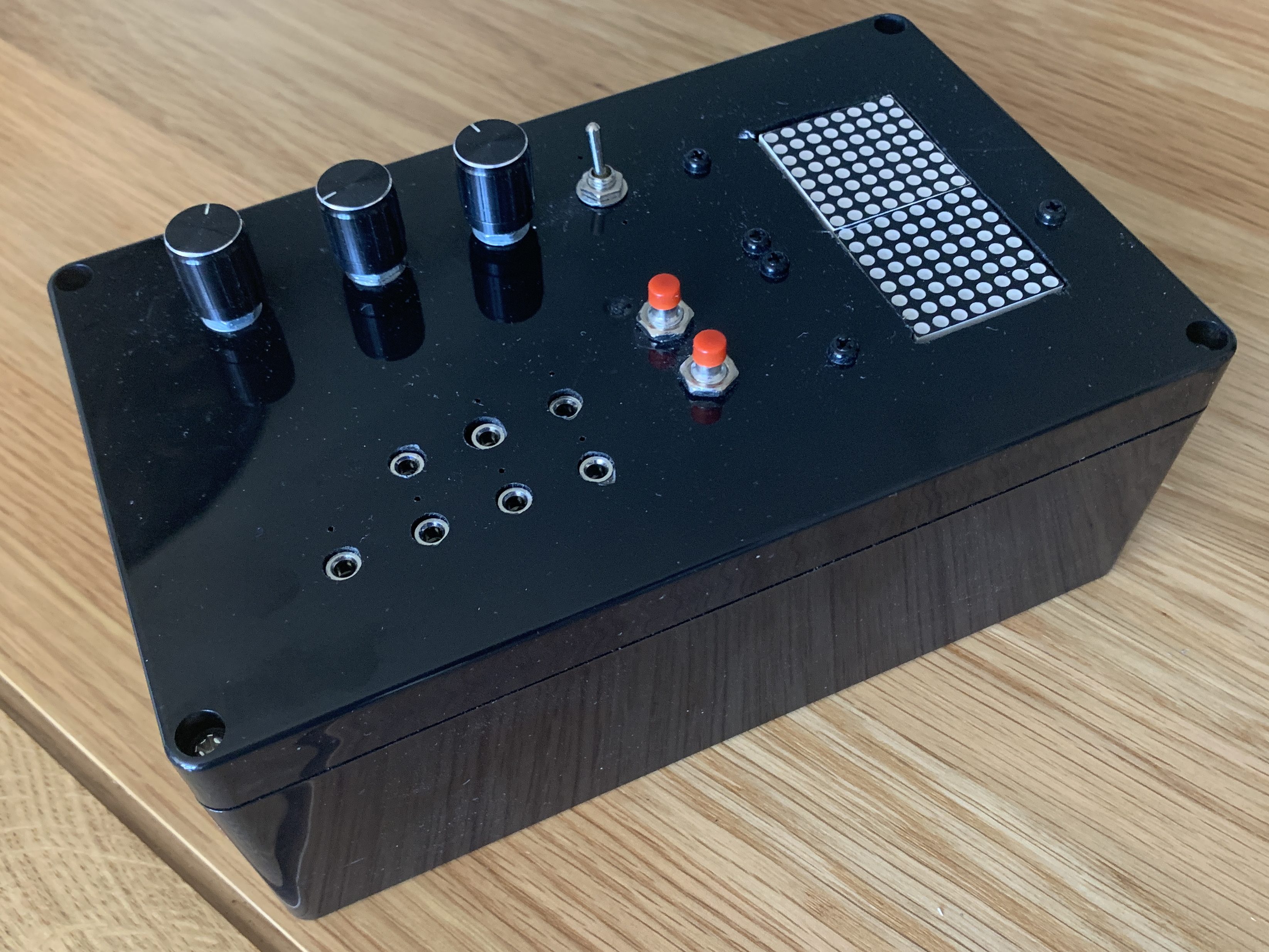
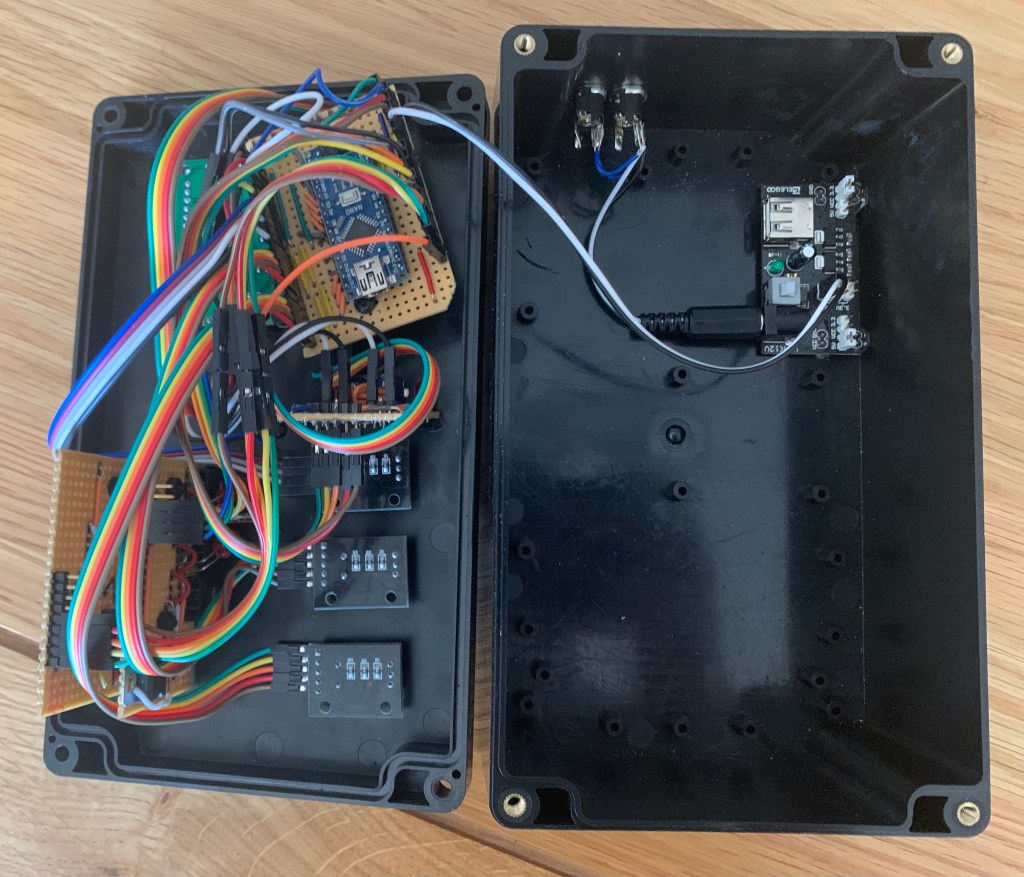
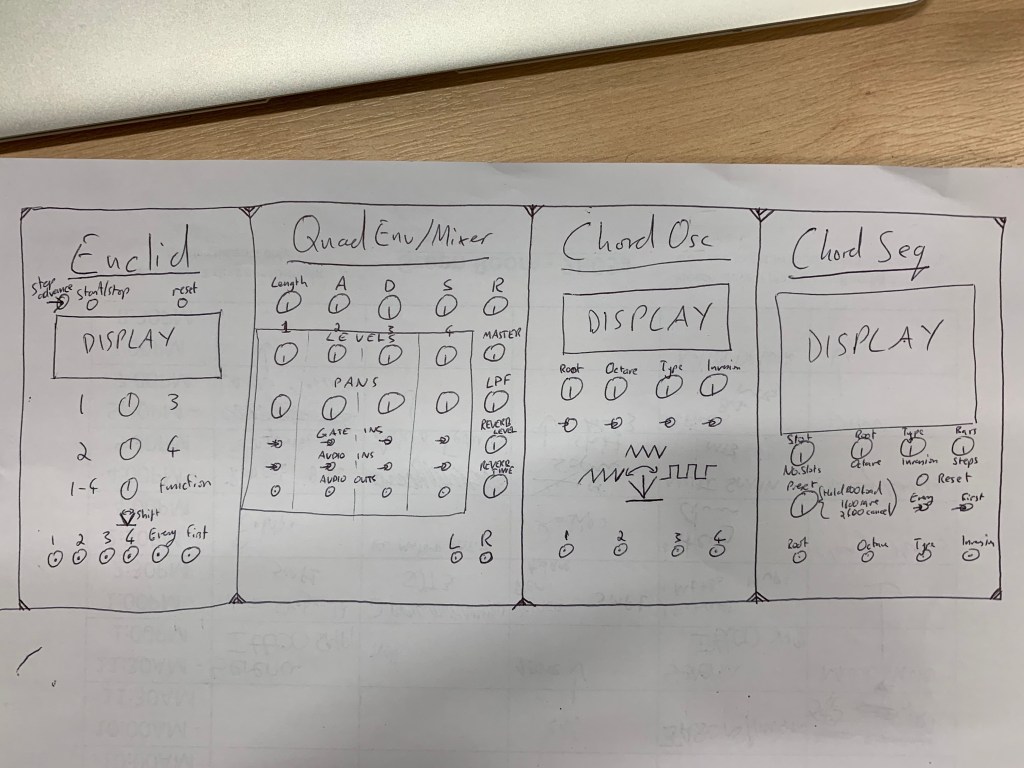
While describing each line of my code would be far beyond the scope of this blog, I realise the I have barely mentioned this vital part of my modules, and so thought I should dedicate a post to at least explaining the overall structure of my sequencer’s code.
Arduino files are referred to as ‘sketches’, and the sketch for my euclidean sequencer contains about 800 lines of code. Thankfully, the Arduino IDE allows us to separate this code into tabs, as shown below:

When the code is run, only the first tab is used, but it can reference other tabs to run as processes, rather like the subpatchers I used in my Max patch earlier on. My first tab contains four parts:
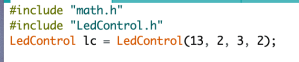
- Libraries to be used – this lets my code know where to find the used libraries which are referenced later on. In this case, I have used one to help with the maths of the Euclidean rhythm and one for controlling the LED matrix.
- Set values – not only do initial values of things like the sequence length and number of hits need to be set, but the code needs to know what values need to be stored. I have categorised these into I/O, sequence, timing and control variables.
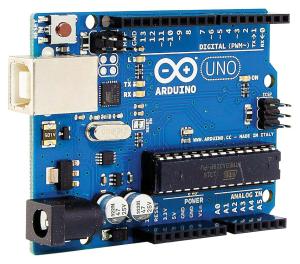
- Set pinmodes – the Arduino needs to be configured so that it knows what each pin (connection to the outside world) should be listening for or outputting. This section also includes initialisation of the LED matrix.
- The loop – this is the part of the code which runs repeatedly, thousands of times a second, once the first three stages have been completed. It contains the vast majority of our code, so to keep things simple and readable, I have arranged it into six discrete processes to be run sequentially, which are spread out over the other tabs but referenced and run from here.
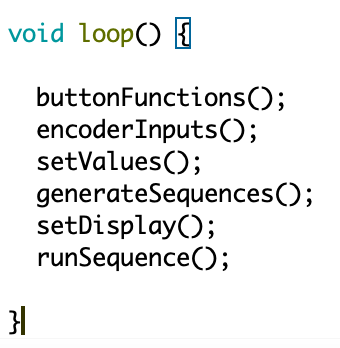
buttonFunctions()
This process checks to see what the current state of the two buttons on the module are, and updates other values accordingly. The left button handles start/stop, and the right button randomises the values of the sequences using the random() function. The second button can also be held down and used as a modifier, allowing a full reset if the first button is pushed, or an individual lane reset by pressing the appropriate encoder.
encoderInputs()
This is the most complex step, at 219 lines of code. It considers the movement of the encoders, as well as their push states and the position of the toggle switch, and passes this information on to the next step as increases or decreases to various values. It allows not only sequence hit and offset changes, but also changes to the tempo, length of the sequence, and global hit and offset modifiers.
setValues()
This step takes the information from the previous process, and uses it to update all important values. It also has the vital job of checking if any illegal values have occurred – for example, has the number of hits moved below 0 or above 16? If it finds such an illegal value, it will correct it appropriately – in the case of hits the number is limited at a minimum or maximum, and in the case of offset it rolls around, so -1 becomes 15, and a 16 becomes a 0, etc. These examples assume a 16 step sequence – for shorter sequence length the roll around or maximum values will be different.
generateSequences()
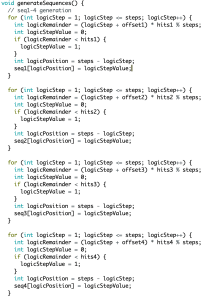
This process does the important job of taking the values of each sequence (the length, number of hits and offset), and converting this into an array. An array is a set of data values that can be referenced by step – in this case either 1s or 0s. For example, seq1[] might contain the following data for a 16 step sequence with 8 hits and no offset:
1010101010101010
Finding the value of the third hit can be done using seq1[3], which in this case would return a value of 1. These arrays hold our Euclidean rhythms and are vital to the whole endeavour!
setDisplay()
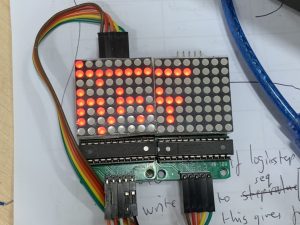
Unsurprisingly, this process takes the values from our recently generated arrays and converts them into signals which are sent to update the LED matrix displays. To avoid the displays jittering and constantly updating, it starts out with a little bit of code to see if anything has changed since the last update, and skips the rest of this stage if it has not.

runSequence()
This final stage relies on a counter, which calculates how many milliseconds need to pass between steps (depending on the tempo), and once this amount of time has passed it outputs any 1 values found in sequence arrays for the current step as a positive voltage on the output pins. It also allow for manual timing input from the ‘next step’ input jack, and automatically resets the sequence to its beginning each time the sequence length has been reached.